


Your current Teams, SharePoint sites, files, folders, and work habits still have value. They just may not be organized in a way people can easily follow anymore.
AP Logic helps make sense of what already exists, decide what needs to change, and create a structure your staff can use going forward.

We help identify problem areas, patterns, and likely decisions so your team is not reviewing every file, folder, team, and channel.

Staff learn how the new structure works, which tools to use, and where work should happen day to day.

Files, ownership, and work areas are organized with future AI, automation, and Copilot use in mind.
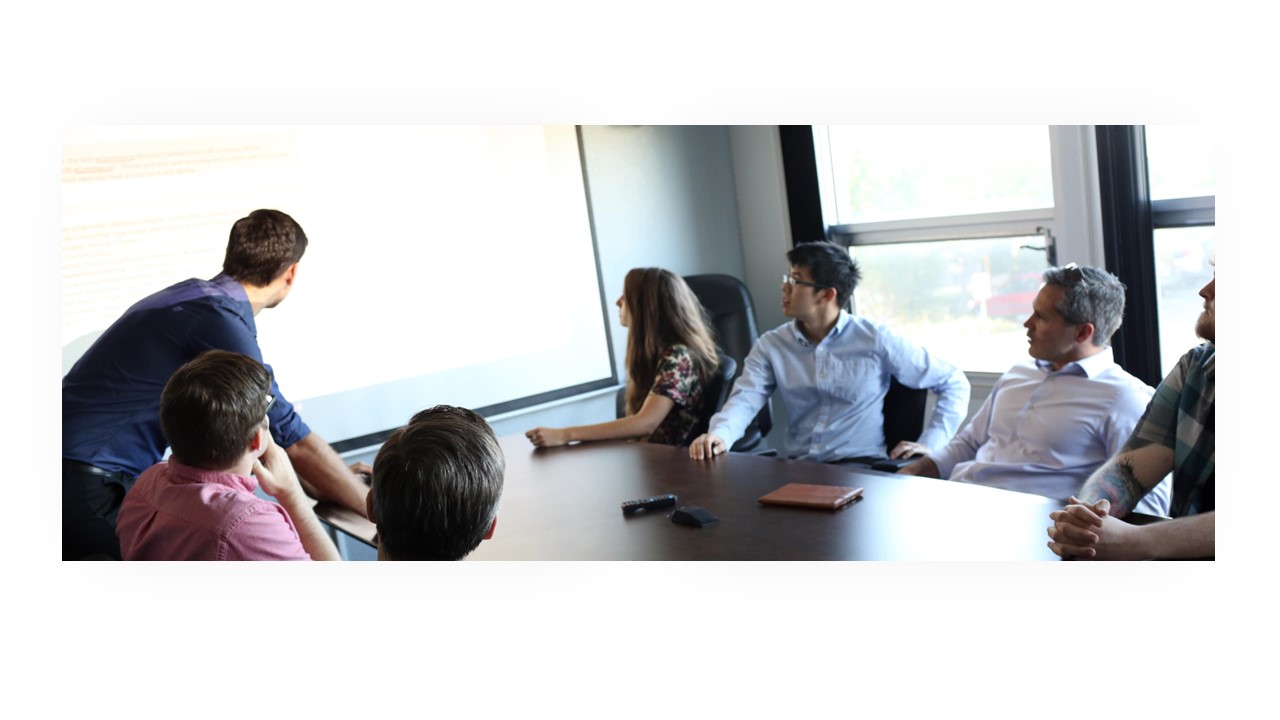
AP Logic guides your team through 2 to 4 focused 45-minute working sessions.
You explain how work happens today. We turn that input into a practical Microsoft 365 layout, file mapping, and staff training plan.


.webp)
By the end of the initiative, your organization should have a clearer way to use the Microsoft 365 tools you already own.
.png)
A clearer structure for working files, shared documents, reference material, and archived content.

A layout that gives each Team and channel a clear purpose.

Sites, libraries, and file areas that are easier to navigate and maintain.

Simple guidance for when to use Teams posts, chat, email, meetings, tasks, and shared files.

Clear expectations for who owns each space and who should have access.

A stronger foundation for Copilot, automation, and future AI tools.